Introduction
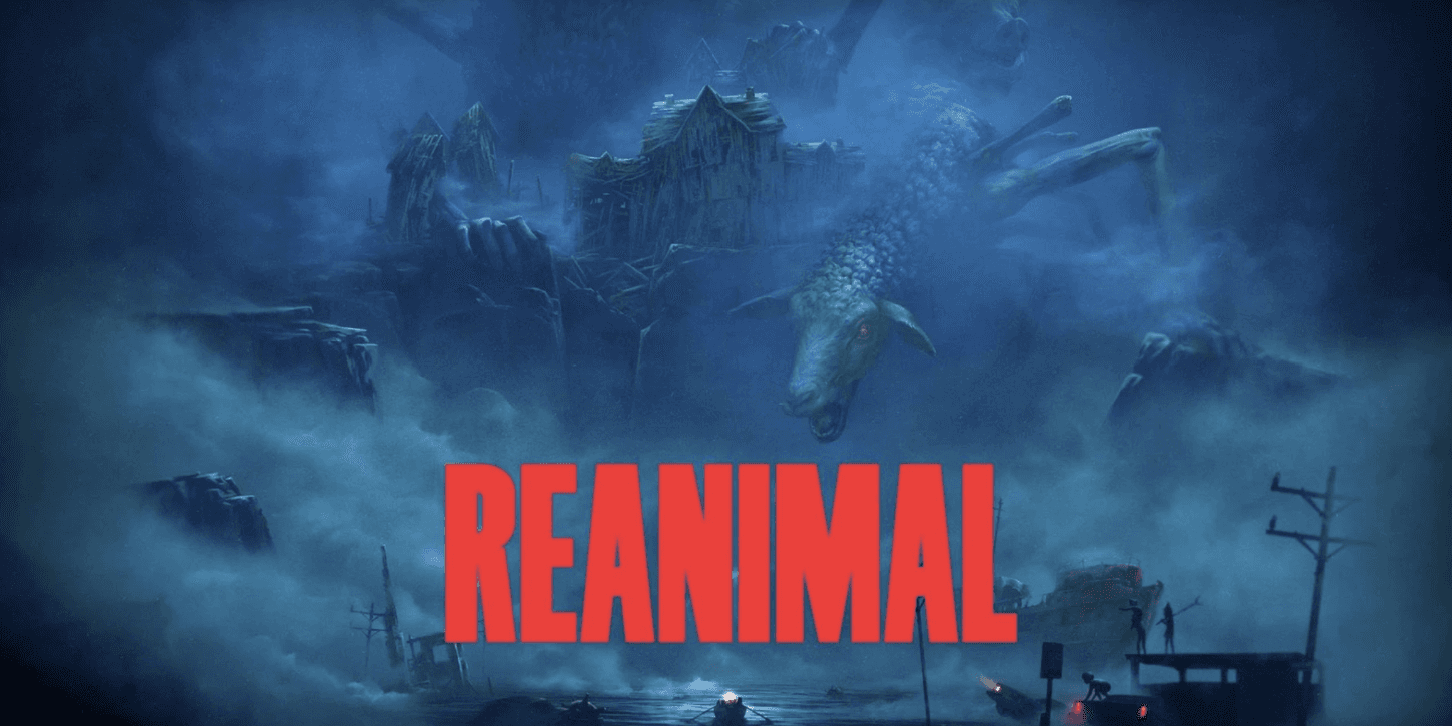
REANIMAL recently released its first demo, a game I’ve been eagerly waiting for ever since it was announced! So, of course, I had to dive straight in to explore what accessibility features were already included and see how they could be expanded. I’m fully aware that this is not the final version of the game and that more features will likely be added on release, but I still wanted to explore how the demo could better support different players. Inspired by the strong accessibility design in Little Nightmares III, I focused on improving and re-imagining features across visual, auditory, motor, and cognitive categories to make the experience more comfortable, inclusive, and enjoyable for everyone.

Research - Analyze - Re-Imagine
I began by researching similar games such as Little Nightmares III, and also games like Dredge and Lost in Random to understand how they approach accessibility and what features they offer. My main focus was on Little Nightmares III, since it has a strong balance between atmosphere and accessibility. After that, I played through the REANIMAL demo several times, taking notes and analyzing what could be improved within the visual, auditory, motor, and cognitive categories. This helped me identify areas where small but meaningful changes could make the experience more inclusive and comfortable for a wider range of players.
Original Audio Settings
The settings were the first thing I looked at,
founding that the audio settings needed to be
improved.
Only having the master volume to adjust.
Improved Audio Settings
For my improved version, I added more sliders so
the players can tweak the sound to what works
best for them.
Added Music volume, SFX volume and Character
voices volume sliders.
Helps players with auditory sensitivities fine-tune
volume levels to a comfortable range.
Original Subtitle
The second thing that I wanted to improve upon were
the lack of indication of who is speaking, since the
child's voices were almost the same this is
something that would be good to help players follow
the story.
No speaking labels.
Children’s voices almost the same.
Re-Designed Subtitle
In my re-design I added a few improvements that can
help with understanding, and visibility for those with
low vision.
The ability to change font size and color.
The ability to change speaker label color.
The ability to add a background with opacity
settings for the subtitle.
Original Sneak Action
When It comes to actions like sneak, sprint and
crouch, the only option was to hold down the button.
Requires players to hold down the button
to stay sneaking.
Can be physically demanding for players with
limited grip strength or motor control.
Increases fatigue and discomfort during longer
gameplay sessions.
No alternative option for players using adaptive or
one-handed controllers.
Re-Designed Sneak Action
In my re-design I added a toggle option for these
actions.
Added a toggle option (press once to sneak, press
again to stop).
Reduces strain and allows smoother, more
comfortable control.
Makes the game more accessible for players with
motor or mobility impairments.
Keeps gameplay functionality identical while
offering more flexibility and choice.
Original Game
No warning appears before intense moments, which
can be stressful or confusing for some players.
The event starts suddenly, giving no time for
sensitive players to prepare.
Players with cognitive difficulties may feel
overwhelmed without a short warning before
stressful events.
Added Content Notice
To make the experience more comfortable for players
who might find certain moments stressful, I added a
small notice that appears right before the event starts.
This gives players a chance to prepare and stay in
control of their experience.
Added a small trigger warning popup before
stressful or intense events.
Appears briefly in the corner to keep immersion
intact.
Able to toggle ON/OFF in settings.
Helps players with cognitive disabilities or anxiety
prepare mentally for upcoming moments.
Gives players the choice to lower the volume or
pause before the event starts.
Promotes a safer and more inclusive experience without altering gameplay.
Accessibility settings
Settings: OFF
Accessibility settings
Settings: ON
Players can choose colors for categories
such as:
Player Character
Friendly Characters
Enemies
Obstacles
Interactive Objects
Helps players identify important elements faster,
especially in low-light or visually cluttered scenes.
Reduces visual strain and improves navigation for
players with low vision, color blindness,
or cognitive processing difficulties.
Original Game
The original game’s moody lighting fits the
atmosphere but can make it difficult for some
players to see important characters and objects
clearly.
Added High-contrast Mode
Added a High-Contrast Mode that highlights important
elements in distinct, customizable colors.
Original Game
In the game there were no clear prompts
or hints, which made it difficult for players to know
what objects could be interacted with or what
to do next.
The game didn’t display clear interaction prompts,
making it harder for players to know what could be
interacted with or what button to press.
Without visual or text hints, some players might
miss important objects or get stuck on puzzles.
Added Prompt & Hint settings
I added clear button prompts and optional hint text that
can be turned on in the accessibility settings,
helping players easily understand interactions and
objectives (shown in the previously picture).
I added clear button prompts and optional hint text that can be turned on in the accessibility settings,
(shown in the previously picture).Added interaction prompts that show both
the button input and contextual text (“ Press X to Open”).
These prompts can be enabled or disabled under Accessibility Settings, giving players control over how much on screen help they want.
Introduced a hint text option that displays short
descriptions or guidance for nearby objectives
or items.Helps players with cognitive and learning
difficulties by reducing confusion and keeping
gameplay progression clear and accessible.
Analysis & Learnings
This little project really sparked a flame in me! Exploring accessibility in games made me realize just how important it is to create experiences that everyone can enjoy. After researching different disorders and accessibility needs, I truly understand why it’s so meaningful to make sure no player is left out. I found a special interest in cognitive accessibility, especially features like content warnings and hints , as they can make a big difference for players who love horror games but might struggle with certain triggers.

